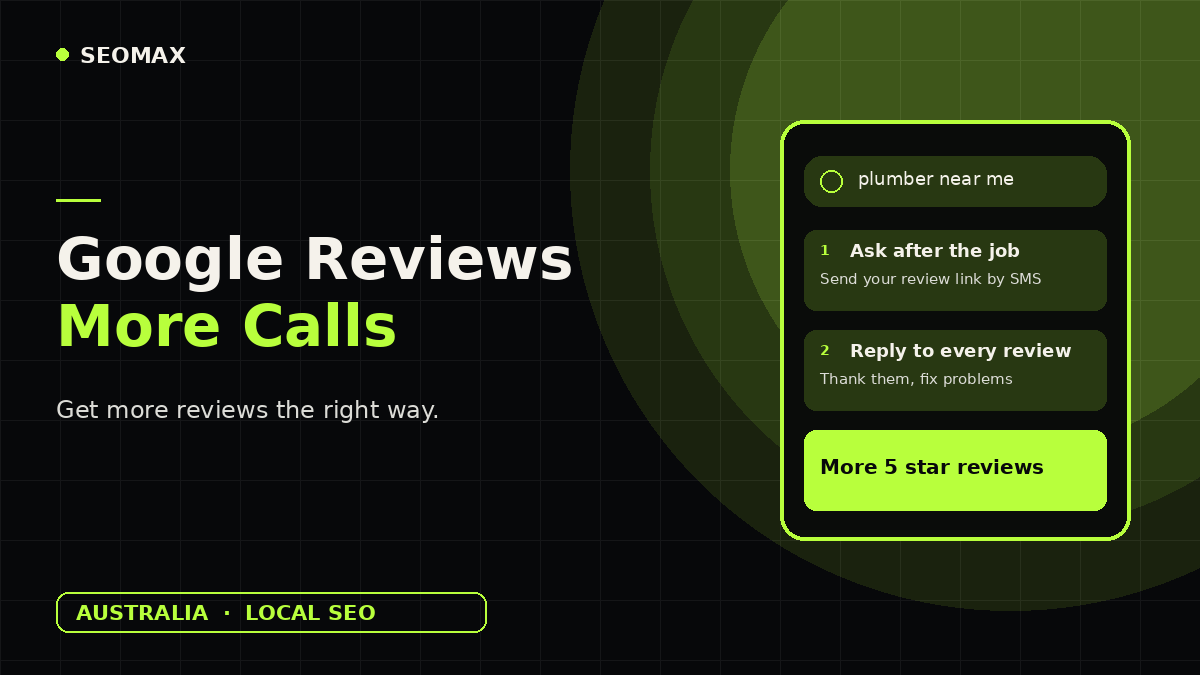
When someone searches for a plumber, an electrician or a cafe near them, the first thing they compare is your star rating and how many reviews you have. A handful of old reviews makes even a great business look quiet. This guide explains how to get more Google reviews in Australia the right way. It covers when to ask, what to say, how to reply and which rules you need to follow.
Why Google reviews matter so much
Reviews do two jobs at once. They help you show up, and they help you get chosen.
- Local rankings: Google says review count and rating are part of how it ranks local results. A steady flow of genuine reviews helps your Google Business Profile appear in the map pack.
- Trust: most people read reviews before they call. Recent reviews that mention the job, the suburb and the person who did it are very persuasive.
- More calls: a stronger profile turns more searches into phone calls, website visits and direction requests.
If your profile is not set up properly yet, start with our guide to Google Business Profile for tradies. Reviews work best on a complete, accurate profile.
Get your review link
The easiest way to get more reviews is to make leaving one take seconds. Sign in to your Google Business Profile and look for the option to ask for reviews. Google gives you a short link that opens the review box directly. Save it somewhere you can copy it quickly. You can also turn it into a QR code for invoices, counters and job cards.
Ask at the right moment
Timing matters more than wording. Ask when the customer is happiest. That is usually right after the job is finished, the order arrives or the appointment ends.
- Tradies: ask in person when you finish the job, then send the link by SMS the same day
- Clinics and salons: send a short text an hour or two after the appointment
- Online stores: email a few days after delivery, once the customer has used the product
- Hospitality: a QR code on the table or the receipt works well
Make it personal. Use the customer's first name and mention the job. A short, friendly message gets far more replies than a generic one.
What to say when you ask
Keep it short and easy. Thank them, ask for a quick review and include the link. You can suggest they mention what you did for them, but never tell them what to write or ask only for five stars. An honest request reads better and keeps you within the rules.
If a customer was unhappy, do not avoid them. Call them, fix the problem if you can and ask how it went afterwards. Many of the best reviews come from problems that were handled well.
Follow the rules on reviews
Getting reviews the wrong way can cost you your profile and can breach the law. Keep these points in mind.
- No fake reviews: never write reviews yourself, ask staff or family to post them or buy them
- No review gating: do not only send the review link to customers you think are happy. Google's policies say you must not discourage negative reviews or ask only for positive ones
- No rewards for reviews: Google does not allow discounts, gifts or other incentives in exchange for reviews
- Do not hide the bad ones: you can report reviews that break Google's policies, but you cannot remove honest negative feedback
The ACCC has clear guidance on online reviews for businesses. Misleading reviews can breach Australian Consumer Law. Google also explains its rules in its prohibited and restricted content policy.
Reply to every review
Replying shows future customers that a real person runs the business and cares about the result.
- Positive reviews: thank them by name and mention the job or the suburb in a natural way
- Negative reviews: stay calm, apologise for the experience, keep private details out and offer to sort it out by phone
- Reply quickly: within a day or two is ideal
Never argue in public. A polite, helpful reply to a bad review often earns more trust than another five star review.
Make asking automatic
Most small businesses know reviews matter. The problem is remembering to ask after a busy day. The fix is to make the request part of your system.
- Send a review request by SMS or email automatically when a job is marked complete
- Send one friendly reminder a few days later if they have not left a review
- Get notified when a new review comes in so you can reply fast
- Track how many reviews you get each month so you can see progress
Our guide to SMS marketing for small business covers consent and the Spam Act rules for messages like these.
A simple Google review checklist
- Complete and verify your Google Business Profile
- Copy your review link and make a QR code
- Ask every customer soon after the job or purchase
- Use their name and keep the message short
- Never offer rewards or ask only happy customers
- Reply to every review within a day or two
- Automate the request and one reminder
- Check your review count every month
How SEOMAX can help
SEOMAX helps Australian tradies, clinics and local businesses win more work from Google. Our own software sends review requests by SMS and email when a job is done, reminds customers who have not replied and alerts you when a new review arrives. It works alongside your local SEO, your website and our AI receptionist, so you get found, get trusted and never miss the call.
Frequently asked questions
How can I get more Google reviews fast?
Ask every customer soon after the job, send your direct review link by SMS and follow up once a few days later. Making it quick and personal is what lifts the number of reviews.
Can I offer a discount for a Google review?
No. Google does not allow incentives in exchange for reviews, and the ACCC warns that misleading review practices can breach Australian Consumer Law.
Should I only ask happy customers for a review?
No. Asking only customers you expect to be happy is known as review gating, and Google's policies do not allow it. Ask everyone and focus on giving a great experience.
Can I remove a bad Google review?
You can report a review that breaks Google's policies, such as spam or abuse. You cannot remove honest negative feedback, so reply politely and offer to fix the issue.
Do Google reviews help my local ranking?
Yes. Google lists reviews as one of the factors in local search. A steady flow of genuine, recent reviews helps your profile and builds trust with new customers.
Can SEOMAX set up review requests for my business?
Yes. We can set up automatic review requests by SMS and email using our own software. Book a free demo to see how it works.
Get a free demo
Want more five star reviews without chasing customers yourself? We will show you how automatic review requests could work for your business, for free and with no obligation. Book your free demo or call 03 8400 0295.