When someone searches Google for a product, the first thing they often see is a row of product photos with prices and store names. Those are Shopping ads. For an online store they are usually the fastest way to reach buyers who are ready to spend. This guide explains how Google Shopping ads for Shopify stores in Australia work, how to set them up and how to keep them profitable.
What are Google Shopping ads?
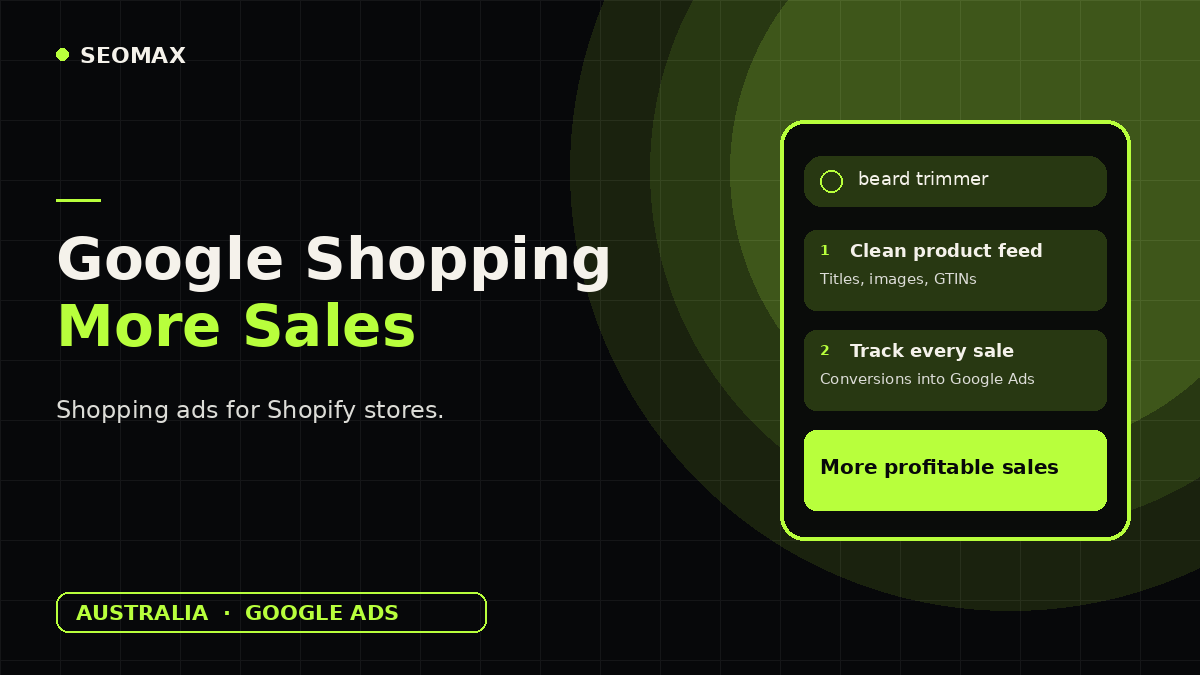
Shopping ads show a product image, title, price and your store name right in the search results. They also appear in the Shopping tab, on YouTube and across Google's other surfaces. You do not write keywords for them. Google matches searches to your products using your product data.
- Buyers see the price first: people who click already know what it costs, so clicks tend to be more qualified
- Your product does the selling: a clear photo and a good title do most of the work
- They suit most Shopify stores: if you sell physical products, Shopping is usually worth testing
If you run a service business instead, our guide to Google Ads for tradies is a better place to start.
What you need before you start
Shopping ads run on three connected tools. Set them up in this order.
- Google Merchant Center: this holds your product feed, shipping and returns details and business information
- Google Ads account: this is where you set budgets, bids and campaigns
- The Google and YouTube app for Shopify: this free app connects your store to Merchant Center and keeps your products in sync
Make sure your store is ready too. Google checks that your site has a working checkout, clear contact details, a refund policy and shipping information. Missing pages are one of the most common reasons products get disapproved.
Get your product feed right
Your product feed is the most important part of Shopping ads. Google reads it to decide when to show each product. Better data means better matches and cheaper clicks.
- Titles: put the most important words first. Brand, product type, size and colour work well. Write it the way a buyer would search for it
- Images: use a clean, sharp main image on a plain background with no text or watermarks
- Prices: prices must match your website exactly. In Australia, show prices that include GST
- Identifiers: add the GTIN or barcode for branded products. It helps Google match your product to the right searches
- Descriptions and categories: describe the product clearly and choose the most accurate product category
Check the Diagnostics area in Merchant Center every week. Fix disapproved products quickly, because a product with an error cannot show.
Set up shipping and returns for Australia
Add your Australian shipping rates and delivery times in Merchant Center. Free or fast shipping can show in your ads and help you stand out. Add your returns policy as well. Make sure the details match what customers see on your Shopify store.
Choose your campaign type
There are two main ways to run Shopping ads.
- Standard Shopping: shows only in Shopping placements and gives you more control over bids and search terms. It is a good way to learn what sells
- Performance Max: uses your feed across Search, Shopping, YouTube, Display and more. Google's automation decides where to show your ads. It can scale well once you have reliable conversion tracking
Many stores start with one campaign and split their best sellers into their own group once there is enough data. Keep the structure simple at first.
Track sales properly
Google can only optimise for sales if it can see them. Use the Google and YouTube app or a tested setup to send purchase conversions and order values into Google Ads. Then check that the numbers in Google Ads roughly match your Shopify orders.
Once tracking works, you can bid for a target return on ad spend. That tells Google how much revenue you want back for every dollar you spend.
Set a budget and know your numbers
Before you spend, work out how much you can afford to pay for one sale. Look at your product margin, shipping cost and average order value. That number tells you whether a campaign is really profitable or just busy.
- Start with a daily budget you are comfortable testing for a few weeks
- Give new campaigns time to learn before making big changes
- Pause or exclude products that get clicks but never sell
- Push more budget to products with strong margins and steady sales
Do not forget your store
Shopping ads bring people to your product page. The page still has to close the sale. Fast loading, clear photos, honest delivery times and an easy checkout all lift your results. Our guide to Shopify conversion rate optimisation covers the changes that make the biggest difference.
A simple Google Shopping checklist
- Create and verify Google Merchant Center
- Connect your store with the Google and YouTube app
- Add refund, shipping and contact pages to your store
- Improve product titles, images and GTINs
- Set Australian shipping and returns in Merchant Center
- Set up purchase conversion tracking
- Start with one simple campaign and a test budget
- Check diagnostics and search terms every week
How SEOMAX can help
SEOMAX is a Melbourne agency and an Official Shopify Partner. We set up and manage Google Shopping and Performance Max campaigns for Australian online stores. We clean up product feeds, fix Merchant Center issues, set up conversion tracking and keep improving the campaigns each week. We also help with Shopify store setup and conversion improvements, so the traffic you pay for turns into sales.
Frequently asked questions
Do I need Google Merchant Center for Shopping ads?
Yes. Merchant Center holds your product feed. Google uses it to create your Shopping ads, so you need an approved account linked to Google Ads.
How do I connect Shopify to Google Shopping?
Install the free Google and YouTube app in Shopify. It links your store to Merchant Center and Google Ads and keeps your product data in sync.
Should I use Standard Shopping or Performance Max?
Standard Shopping gives more control and is useful for learning. Performance Max reaches more places and can scale well once conversion tracking is reliable. Many stores test both.
Why are my products disapproved?
Common reasons are prices that do not match the website, missing shipping or refund information, poor images and missing product identifiers. Check the Diagnostics area in Merchant Center for the exact reason.
How much should I spend on Google Shopping ads?
Start with a daily budget you can test for a few weeks. Work out what you can afford to pay for one sale, then scale the products that stay profitable.
Can SEOMAX manage my Shopping ads?
Yes. We set up and manage Google Shopping campaigns for Australian Shopify stores. Book a free audit to see where your campaigns could improve.
Get a free audit
Want more sales from Google without wasting budget? We will review your Merchant Center, product feed and campaigns for free and with no obligation. Book your free audit or call 03 8400 0295.